
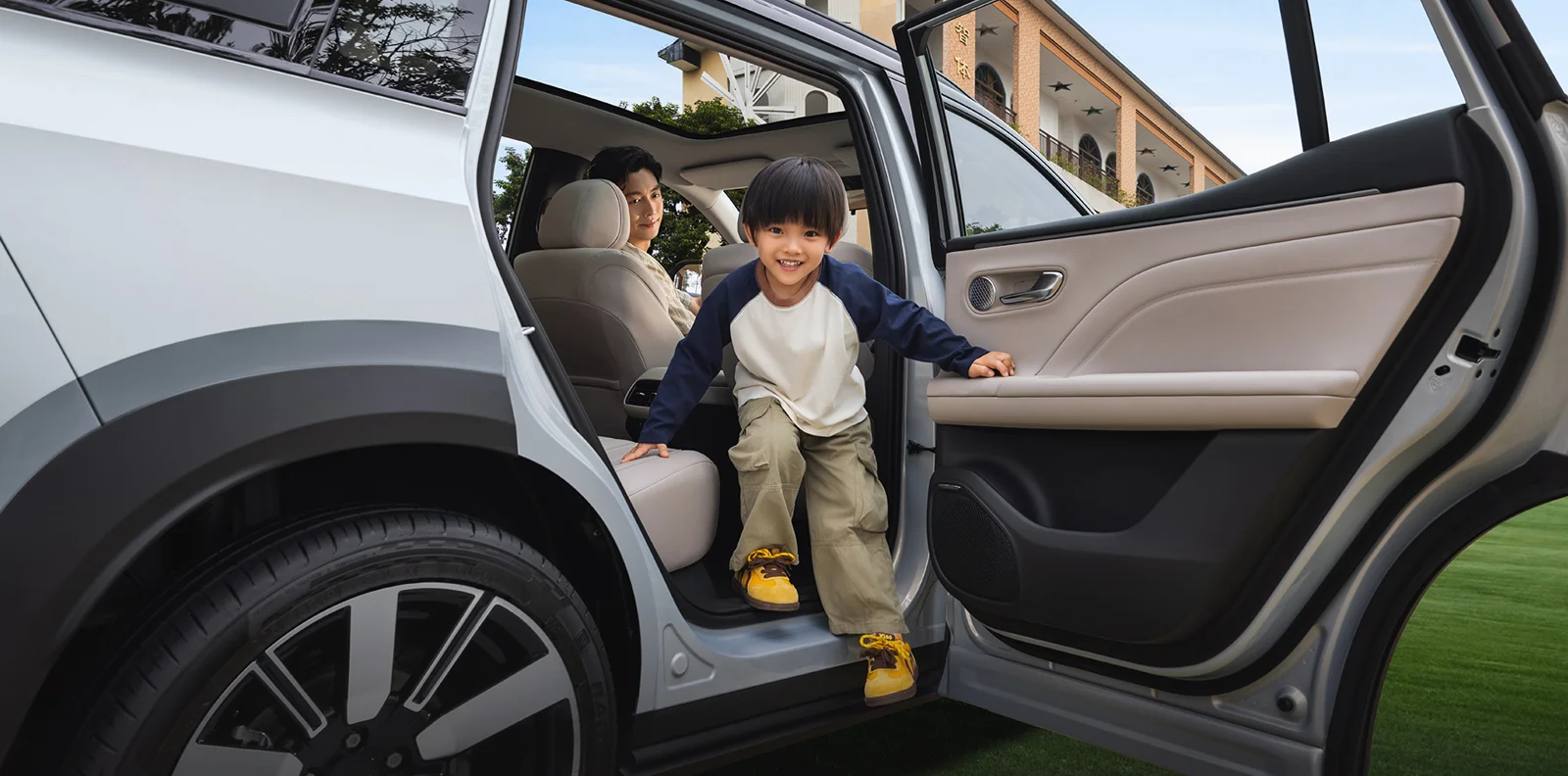
Begin with passengers and access
Ask who normally travels and what makes entry or exit difficult. Consider front and rear access, seating adjustment and visibility from the driving position. If child restraints are required, have the intended arrangement checked against vehicle and restraint instructions. A cabin photograph cannot establish universal compatibility.
For remote reviews, request a video with seats in ordinary usable positions and identify adjustments shown. Wide-angle photography communicates design but does not reliably measure usable space. Keep any measurements tied to the seat position in which they were taken.
For regular adult passengers, the rear adult-use review fixes front positions before assessing rear space and access.
For a driver-position requirement, the tall-driver position checklist records achieved fit and the space left for other occupants.
For garage use, the garage routine assessment includes mirrors, doors, loading and the planned charging arrangement.
Test the relevant load
Describe the luggage or business items the buyer actually carries. Request relevant opening and load-area measurements. Distinguish use with occupied rear seats from folded seats. An empty cabin image cannot answer whether an awkward case passes through the opening; a loading demonstration can resolve this directly.
Label every demonstrated seating arrangement. Do not describe a folded-seat view as the normal passenger-and-luggage configuration. Check that proposed loads stay within documented vehicle limits. The aim is to assess a use case rather than claim the car satisfies every family requirement.
GAC’s model presentation lists 416 litres of luggage space and two-level storage. Use this as model context, then check the actual compartment and seating arrangement. The i60 boot-space and luggage-fit guide turns the headline figure into an opening measurement and practical packing test.
Confirm fitted comfort equipment
Ask which seat adjustments, climate controls and convenience functions are fitted. Manufacturer presentations can show selected equipment rather than a universal specification. The version record should list confirmed features and supporting evidence. Request operation demonstrations for essential functions.
For used cars, check contact surfaces, seat mechanisms, belts, controls and visible trim. Photograph findings and agree cosmetic expectations before preparation. The inspection guide connects these observations with the wider vehicle rather than treating a tidy interior as evidence of complete mechanical condition.
Translate the demonstration into the offer
List the customer’s essential requirements and the result of each check. Distinguish demonstrated features from unconfirmed preferences. Assess remote functions and connected conveniences separately through the software guide. A working display does not establish every online service.
For batches, record differences in interior colour, equipment and condition. One well-equipped demonstration car should not represent the entire order. The final customer description needs to match the accepted unit and agreed preparation, preserving distinctions that matter instead of using general comfort claims.
Example: luggage with the rear seats occupied
A customer needs to carry a bulky case while keeping the rear seats available for passengers. Request the case dimensions and a demonstration or relevant measurements with the seats in the intended position. A folded-seat image does not answer this requirement. Keep the opening measurement and usable load arrangement in the buying record. If the proposed case cannot be assessed remotely, mark the fit as unconfirmed rather than promising it from a marketing photograph. This makes the remaining decision clear to the customer.
For company journeys, the business and airport-use brief combines actual adults, bags and replenishment before approving an assignment.
Model reference: GAC’s AION i60 presentation and AION’s manufacturer overview. Model information gives context; the offered vehicle needs its own specification and condition evidence.